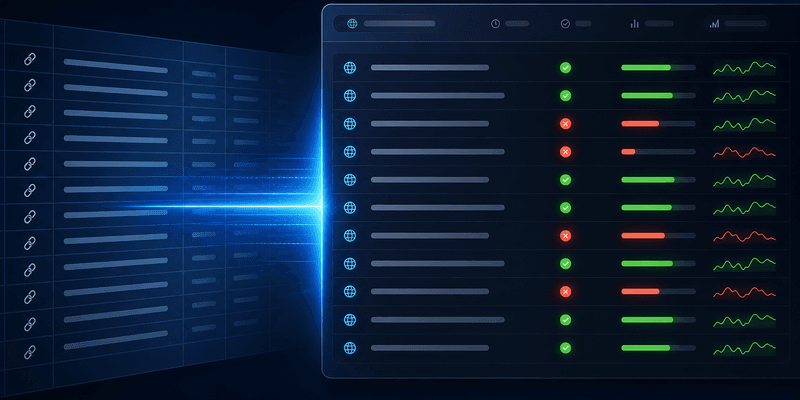
When manual checks break down
Checking one URL with site: or Search Console works fine. Checking 500 landing pages after a programmatic SEO launch does not. Bulk index checking automates status verification at scale and produces auditable reports.
Step 1: Export your URL list
Sources for URL lists:
- CMS export (published pages)
- XML sitemap parse
- Screaming Frog or Sitebulb crawl
- Campaign CSV from Bulk URL indexing workflow submit history
Clean the list: dedupe, remove parameters, exclude noindex URLs.
Step 2: Run bulk check
Upload to IndexHub or use API:
- Paste or upload CSV (one URL per line)
- Select check mode — quick site: scan or deep verification
- Start batch — credits consumed per URL
- Wait for results (minutes for hundreds of URLs)
Try the homepage demo for a single URL, or log in for full batches.
Step 3: Read the report
Typical output columns:
| Status | Meaning | Action |
|---|---|---|
| Indexed | URL appears in Google index | Monitor rankings |
| Not indexed | Not in index | Follow What to do when a URL is not indexed |
| Unknown | Inconclusive signal | Recheck in 48h |
Group results by template or folder to spot patterns — one bad template can explain 200 failures.
Step 4: Act on batches
Do not fix URLs one by one randomly:
- Fix site-wide issues first (robots, sitemap)
- Submit not-indexed batches via indexing service
- Recheck after 7–14 days per How long does Google indexing take?
- Archive reports for client or stakeholder updates
Learn single-URL methods in How to check if a URL is indexed. Pair bulk check with Bulk URL indexing workflow for full submit-verify loops.
Scheduling and automation
For ongoing SEO operations, set a recurring bulk check schedule:
- Weekly: Active campaign URLs and new publishes
- Monthly: Full sitemap audit against index status
- Post-migration: Full site recheck within 48 hours
IndexHub API supports scheduled rechecks so you can integrate index monitoring into existing reporting dashboards without manual CSV uploads each week.
Workflow for SEO agencies
- Weekly bulk check on client URL lists
- Export PDF/CSV for deliverables
- Track index rate trend over time
- Alert when index rate drops below threshold
FAQ
See below for API rate limits, scheduling rechecks, and accuracy compared to Search Console.
