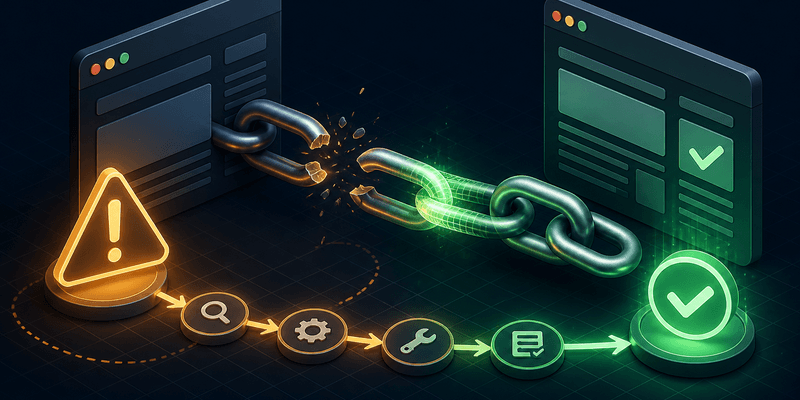
Step 1: Diagnose quickly
Before resubmitting, How to check if a URL is indexed using Search Console or IndexHub. Confirm whether the URL is truly not indexed or simply not ranking yet — these are different problems.
Step 2: Rule out technical blockers
Work through this checklist in order:
- Meta
noindexorX-Robots-Tag: noindexHTTP header - Canonical tag pointing to a different URL
- Robots.txt blocking the path or entire site section
- Unintended 301/302 redirects or redirect chains
- Soft 404s — pages that return 200 but look empty to Google
Use URL Inspection in Search Console to see Google's rendered version and indexing verdict.
Step 3: Strengthen indexing signals
Technical fixes alone may not be enough. Improve discovery and priority:
- Add internal links from pillar pages and high-traffic content
- Update your XML sitemap and resubmit in Search Console
- Ensure the page has unique, useful content — not thin duplicates
- Fix Core Web Vitals and mobile usability issues if reported
For hundreds of landing pages, consider a URL indexing service to submit batches efficiently. Read What is Google Index? for context on how indexing works.
Step 4: Submit and monitor
After fixes, request indexing in Search Console or submit via IndexHub. Indexing typically takes days, not hours. See How long does Google indexing take? for realistic expectations.
Track progress with Check Index and compare results weekly. If status stays Crawled – currently not indexed, focus on content quality and internal links rather than repeated submissions.
When to escalate
If many URLs across a site remain unindexed, read Why is my website not indexed? for site-wide causes. New domains should follow New website indexing checklist during the first 30 days.
Common Search Console statuses explained
| Status | What it means | Your action |
|---|---|---|
| URL is on Google | Indexed and eligible to appear | Monitor rankings |
| Discovered – currently not indexed | Known but not prioritized | Improve signals, submit |
| Crawled – currently not indexed | Crawled but rejected for index | Fix content quality |
| Excluded by noindex | Blocked by your tag | Remove noindex if unintended |
Avoid resubmitting the same URL daily — it wastes quota without changing Google's quality assessment. Wait at least one week between submission attempts unless you fixed a clear technical error.
FAQ
See below for details on Search Console statuses and when resubmission helps vs hurts.
